Source: Using Raspberry Pi GPIO Pins With the RPi.GPIO Python Library
How to Run Arduino Code & Programs on Raspberry Pi
Raspberry Pi is an amazing minicomputer, and I would love to use it in some projects. There is just one tiny problem. I have little to no experience with Python. I used to do some Python coding a few years ago but only the basics. I’m more experienced in C++, specifically writing programs for Arduino. Wouldn’t it be nice if there was some way for those of us to utilize our Arduino programming skills on Raspberry Pi? Luckily, there is!
In this article, you will learn how to run sketches written for Arduino on Raspberry Pi! To achieve this, we will use RasPiArduino framework. That will allow us to compile the Arduino code into binaries which can run on Raspberry Pi. But before we can do that, we have to prepare a few things, both in the Arduino IDE and on Raspberry Pi.
Hardware
- Raspberry Pi 3 Model B
Software
- Arduino IDE
- RasPiArduino framework – https://github.com/me-no-dev/RasPiArduino
- MobaXterm – https://mobaxterm.mobatek.net/
20 Best Operating Systems You Can Run on Raspberry Pi in 2020
Prusa Knowledge Base
Source: Prusa Knowledge Base
OpenSCAD – Documentation
Source: OpenSCAD – Documentation
GitHub – Aircoookie/WLED: Control WS2812B and many more types of digital RGB LEDs with an ESP8266 or ESP32 over WiFi!
Development Boards | Espressif Systems
ESP32-DevKitC
How to Use the Polygon Commands in Fusion 360 (all 3 explained)

By the end of this video, you’ll know how to use all 3 Polygon commands that are available in Fusion 360 – Circumscribed, Inscribed, and Edge Polygons.
Source: How to Use the Polygon Commands in Fusion 360 (all 3 explained)
Slic3r Manual
Source: Slic3r Manual – Overview
Making Parametric Models In Fusion 360
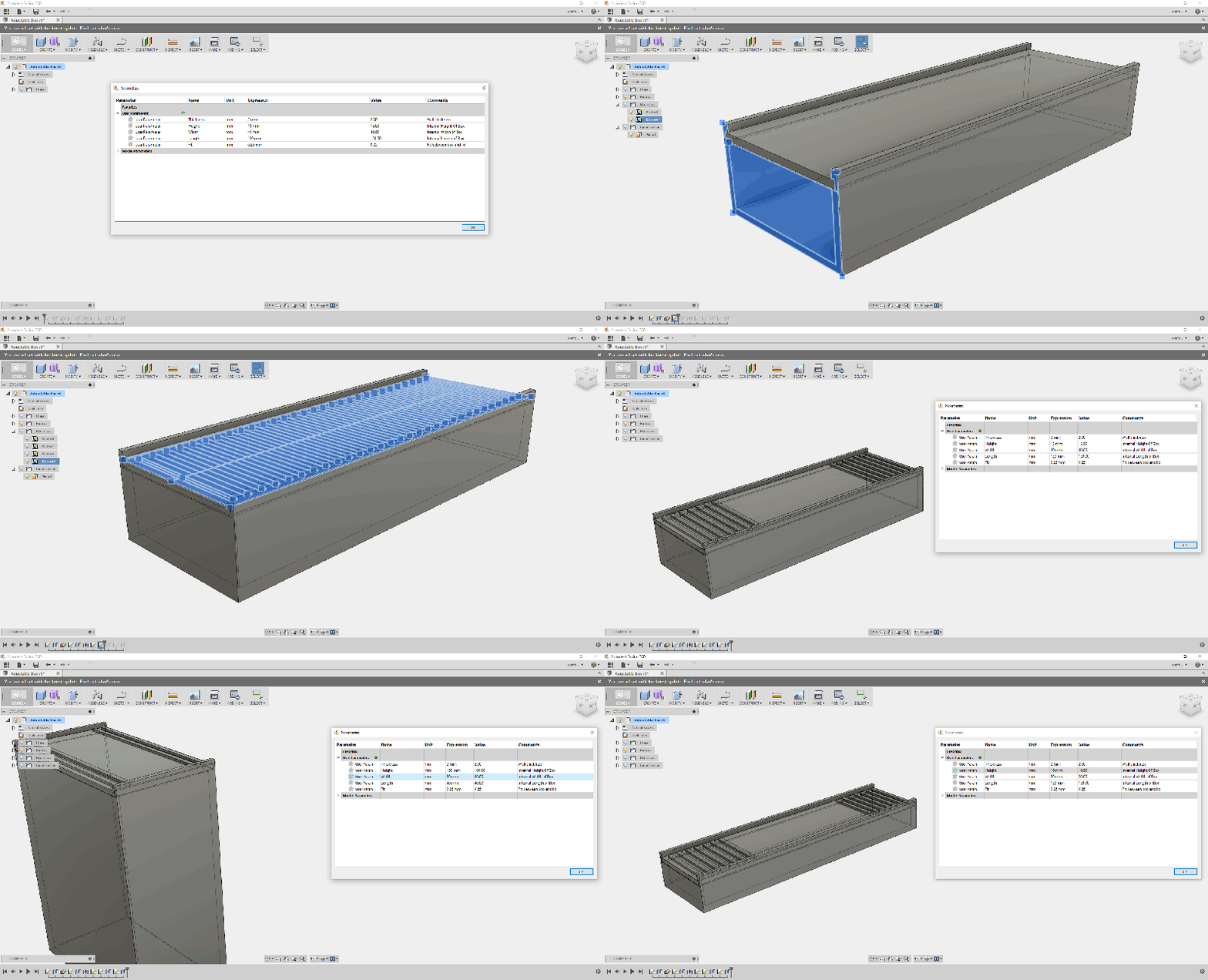
We all know and love OpenSCAD for its sweet sweet parametrical goodness. However, it’s possible to get some of that same goodness out of Fusion 360. To do this we will be making a mathematical mode…